CSCA article
Home-Based CSCA Test Requirements
Review the June 2026 home-based CSCA rules for Windows, networks, room setup, monitoring, compulsory tests, and exam-day checks.
Home-Based CSCA Test Requirements
The official home-based CSCA handbook was revised from its April edition to a June 2026 edition. The new version adds practical restrictions and makes several pre-exam steps compulsory, so candidates should recheck their setup even if they used an older checklist.
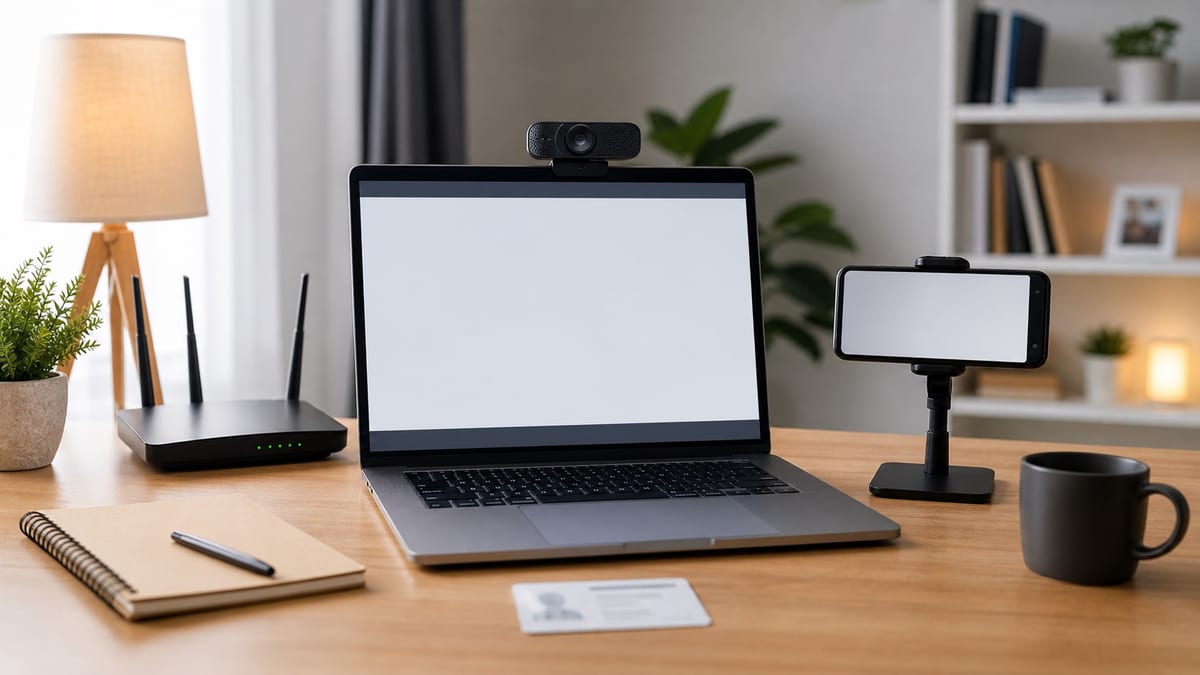
Home-based online testing uses a Windows computer for answering and front monitoring, plus a smartphone or tablet for side-rear monitoring. The current handbook and instructions for your session remain the deciding sources.
Computer and client requirements
The June handbook lists 64-bit Windows 10 or 11, or Windows 7 SP1 and later. macOS is not supported. Use one physical monitor with a resolution of at least 1366 by 768, at least 4 GB of memory, and at least 2 GB of free space on the drive holding the client.
The computer must run locally on physical hardware. Do not use a virtual machine, remote desktop, cloud computer, WSL or WSL2, Hyper-V, Windows Sandbox, VBS, a second display, or a privacy filter. Run the current client as an administrator after fully extracting it, and keep the client files until results are released.
The revised handbook warns that some devices, including Microsoft Surface models, may be incompatible because of their architecture or virtualization security settings. A model name alone does not prove compatibility. The required individual system test is the practical check; change to a compliant Windows desktop or laptop if the client cannot run normally.
Network rules
The connection needs at least 20 Mbps upload and 20 Mbps download bandwidth, with a sustained test-system speed of at least 500 KB/s. A wired connection is recommended for the main computer, and the handbook suggests preparing a backup 4G connection.
The June edition explicitly prohibits tools or services that change, hide, forward, or proxy the network connection, network exit, or IP address. This includes VPNs, proxy servers, proxy software, and network accelerators. If the individual or centralized mock test cannot be completed without such a tool, the network environment does not meet the home-based requirements.
Use a charged smartphone or tablet for side-rear monitoring, preferably on a network independent from the main computer. Disable hotspot sharing, notifications, calls, automatic sleep, power-saving interruptions, screen casting, and remote-control or synchronization tools. Keep camera and microphone permissions active throughout the test.
Room, monitoring, and scratch tools
Use a private, quiet, well-lit, enclosed room with no other person present. The revised handbook expressly rules out school computer rooms, shared dorm rooms, and other places where several people are present or testing together, as well as public places such as cafés or open offices.
Set the desk against two walls in a corner, face the wall, and keep the room behind you visible. Place the second device about 45 degrees behind you, 1-1.5 metres away, with the camera slightly above shoulder height. Its view must continuously show your upper body, computer screen, and both hands.
Only permitted items should remain on the desk. The handbook allows a small whiteboard or blank paper inside a transparent sleeve with an erasable marker and eraser. Ordinary scratch paper, notes, permanent writing tools, calculators, and unrelated electronics are prohibited. The scratch surface must be shown before and after the test and erased when instructed.
Compulsory checks before test day
All candidates must complete the individual system test. They must also attend and complete at least one centralized mock test. These are not optional practice sessions: they verify the client, identity check, front camera, second-device connection, room scan, scratch tools, and monitoring angle.
Use the mock test to confirm that the invigilator accepts the second-device view. The handbook states that failure to complete these checks can leave the candidate responsible if the formal exam cannot be completed. Contact the official technical support address shown in the current handbook during the designated test period if a technical problem remains unresolved.
Exam-day entry and final checklist
Log in one hour before each paper and complete the device test, facial recognition, identity verification, and other entry steps at least 15 minutes before the start. Late candidates cannot enter after the exam begins, and early submission or exit is not permitted.
Have the original identity document and printed admission ticket on the desk for verification. Dress appropriately and keep the face visible; face-covering items are restricted unless a religious, medical, or other special circumstance applies. When the client retrieves the test-system address, compare the displayed exam area with the admission ticket and contact technical support if a second retrieval still shows a mismatch.
Complete the registration steps early enough to run these checks. Review the CSCA test formats before choosing home-based testing when another format is available for your session.
Source note
This is an independent summary of the official June 2026 home-based test handbook. Always verify the current handbook, session instructions, registration rules, test centres, and notices on csca.cn before making an application decision.